
Instead, we decided to go bite-sized so this project doesn't become overwhelming or unwieldy.
To start, Sis and I are focusing on the first decade of our family life, not our entire family's history. We're collecting and digitizing our childhood photos and documents, little by little. It's been fun to reminisce as we plan and scan. Scanning sets the stage for cropping, repairing, and/or sharpening each photo. We want these photos to look their best for posterity.
We recognize there are family stories that only we can tell because we were there and we still remember. We have to share these stories NOW to keep them alive for the next generation.
After we complete the first decade's photo book, we'll sit back and appreciate how good the book looks. 😀 Then we can begin planning for the second decade's photo book. Breaking this big project into smaller bites makes it doable and keeps us interested and motivated.
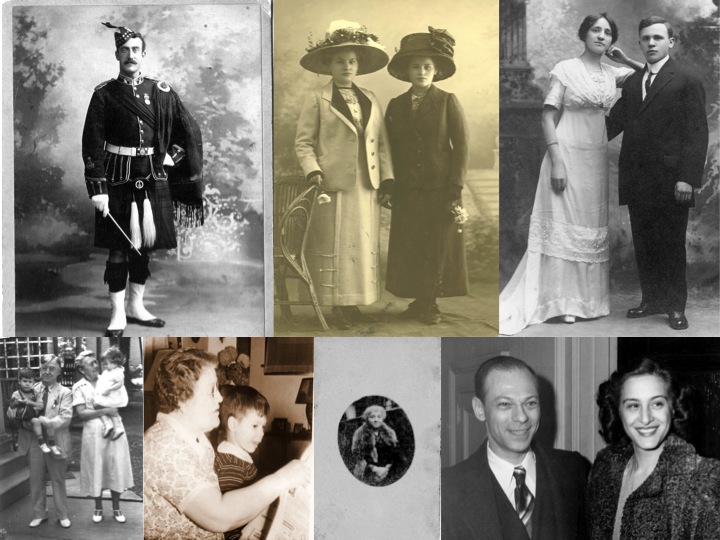
Try a bite-sized project by putting the focus on one ancestor (or a couple, spouses or siblings), a special occasion (wedding, birthday, reunion, etc.), a specific time period (a special year in the life of an ancestor, for instance), a particular heirloom, a special place in family history, or a photo from family history.

Congratulations! What a great project to do with your sister. I did a photo book about my parents, instead of doing it chronologically, I focused on topics: childhood, wedding, jobs & hobbies, autos and houses they owned, and holidays celebrated. I printed them myself and had Staples coil-bind them, and then gave them out to siblings, nieces and nephews.
ReplyDeleteI might do more of these mini-books with topic focus, as you did!
DeleteGood ideas, Lisa!
DeleteI always love your bite-sized tips. Covering a life span can be overwhelming, but a decade is so doable. Congrats on your new project, which will be surely enjoyed by the younger generations.
ReplyDeleteBite-size is good and I have done many of these. However, I just tried something different for our daughter's 60th birthday. Since I have a significant number of photos digitized and stored on Google Photo, I used their facial recognition feature to pull out all the pictures that include our daughter. Problem: I ended up with 375 photos, hardly bite-sized! I got rid of duplicates and a couple where face recognition was wrong, but still ended up with a large number. As of now, I am sharing the full album on-line with our daughters and grand-children, since it is such a trove of great memories and includes many of them in the photos. It's not a neat as photo book but is so easy to do. We will see if they like it or just complain that it was too overwhelming!
ReplyDeleteEasy to do and now that the dozens of photos are shared, they can be enjoyed and downloaded by your daughters and grandkids. Terrific idea!
DeleteI love your approach, Marian. Keeping this thought in mind as I approach my own photo digitization projects this year.
ReplyDelete